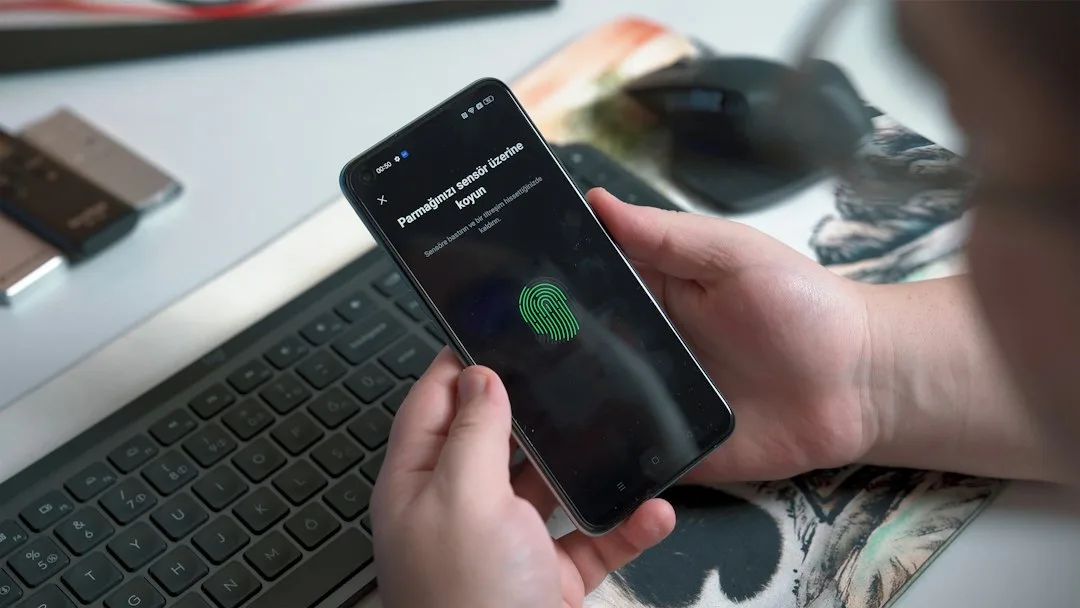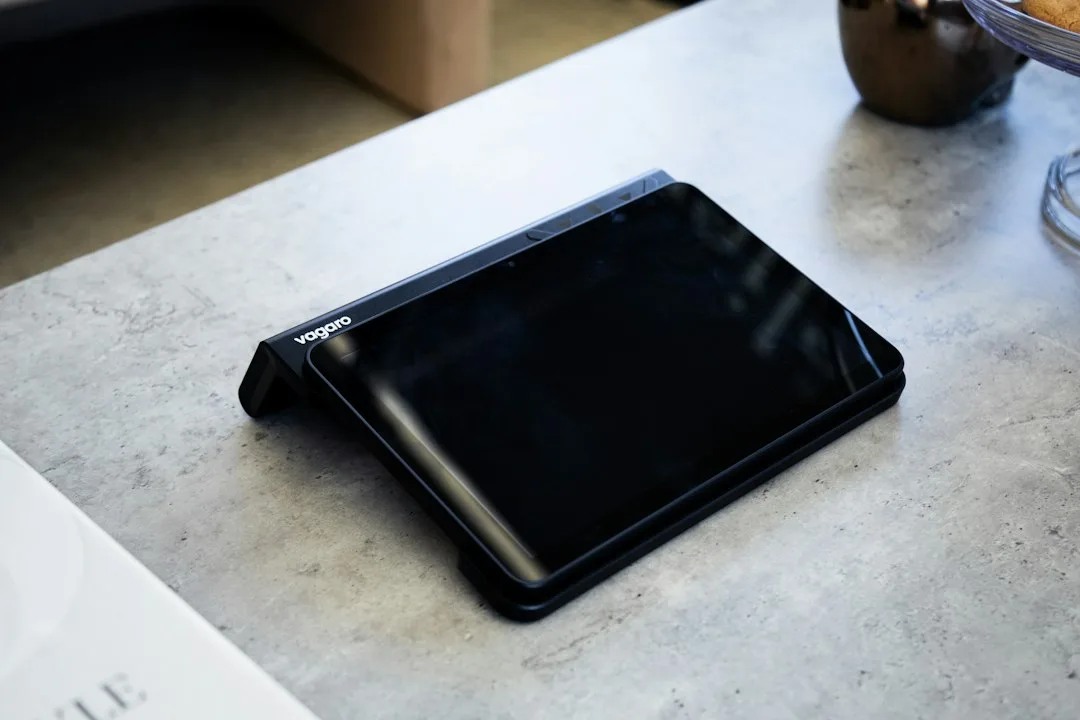

The best tech gifts are the ones the recipient can use on day one with the phone, TV and chargers they already own. Before price or brand, check three things: compatibility, hidden subscription costs and whether the gift solves a daily annoyance such as a dead battery or lost keys.
With the holiday shopping season starting, many tech gifts look alike on a list but behave very differently at home. A tracker that only works with an iPhone or an earbud set that needs a USB-C port can end up in a drawer, so the choice is mostly a matter of matching the gift to the person.
Tech gifts that fit into a daily routine
Gifts that earn their place tend to be small and practical. Gadget Flow’s under-$50 list, published in October 2026, leans on exactly this kind of item: a 10,000mAh power bank with a built-in USB-C cable, a compact speaker rated IPX7 with up to 12 hours of playback at moderate volume, a foldable Bluetooth keyboard that pairs with up to three devices, and a mouse that sits on a charging dock instead of needing a cable.
Another category with steady appeal is travel gear. The same list includes a five-in-one travel adapter with US, EU, UK and Australian plugs, and it adds a useful caution: an adapter is not a converter, so it will not make a hair dryer safe to use abroad.
Quick Tips
- Ask which phone, tablet or laptop the person uses before choosing.
- Look for USB-C charging so the gift shares a cable with their current devices.
- Check whether any feature sits behind a monthly plan.
- Keep the receipt and look at the return policy, especially for refurbished items.
Compatibility checks before you buy
Compatibility is the most common reason a tech gift disappoints. Best Buy Canada’s gift list by budget repeats the same advice for different products: make sure a smartwatch works with the recipient’s smartphone, and check which accessories and apps are compatible with a specific tablet model.
Some limits are strict. According to Gadget Flow, the second-generation Apple AirTag needs an iPhone or iPad running iOS 26 or later. Wired USB-C earbuds are described there as working with an iPhone 15 or newer, recent Android phones, iPads and many laptops, which means an older phone may need an adapter.
Hidden subscription costs
A gift with a fair upfront price can still cost more over time. Digital Trends’ under-$100 list, published in November 2026, notes that the optional Ring Protect plan for a battery doorbell costs extra, that full Alexa+ on a Fire TV Stick needs a Prime membership, and that some Fitbit Air features require Google Health Premium.
None of this makes the products poor choices. It means the giver should know what works without paying more, and it is kind to mention it in the card so the recipient is not surprised by a prompt on first setup.
What each gift needs to work
This table pulls the checks together for gifts that appear on the lists above.
| Gift | What it needs | What to watch |
|---|---|---|
| Apple AirTag tracker | iPhone or iPad on iOS 26 or later | Useless for Android owners |
| Wired USB-C earbuds | A USB-C port on the phone, tablet or laptop | Older phones with other ports need an adapter |
| Ring Battery Doorbell 2K | Wi-Fi and the Ring app | Optional Ring Protect plan costs extra |
| Fire TV Stick 4K Plus | A TV with an HDMI port | Full Alexa+ needs a Prime membership |
| Fitbit Air tracker | A compatible phone | Some features need Google Health Premium |
| Philips Hue Play lamp | Alexa, Google Assistant or Apple Home | Hue Bridge optional; check the app first |
Smart home gifts need a little setup
Smart home gifts such as doorbells, smart lamps and streaming sticks are popular but are not plug-and-play for everyone. They need Wi-Fi, an account and sometimes a power cable. Digital Trends points out, for example, that a window camera still needs a power cable.
If the recipient is building a connected home, a gift that fits the system they already use is better than a one-off device. For ideas on how households connect devices, see how modular smart home ecosystems work, and for wearables, our look at smart glasses for daily living.
The most common mistake with tech gifts
The most common mistake is buying the newest gadget instead of the one the person will actually use. A premium item that duplicates a phone feature, or an accessory for a device the recipient does not own, tends to go unused. A modest power bank or a tracker for someone who loses keys often gets more daily use than a headline product.
Refurbished items need a closer look. Best Buy Canada advises checking the listed condition, included accessories, warranty and return policy before buying a refurbished phone, and the same checks apply to other used electronics.