Nearly every driver I know has a story about a parking lot scrape with no witness and no note left on the windshield. Dash cameras turn those moments into footage you can hand to an insurer instead of arguing from memory. Here is why they are moving from niche gadget to standard equipment, and how to pick one that actually does the job.
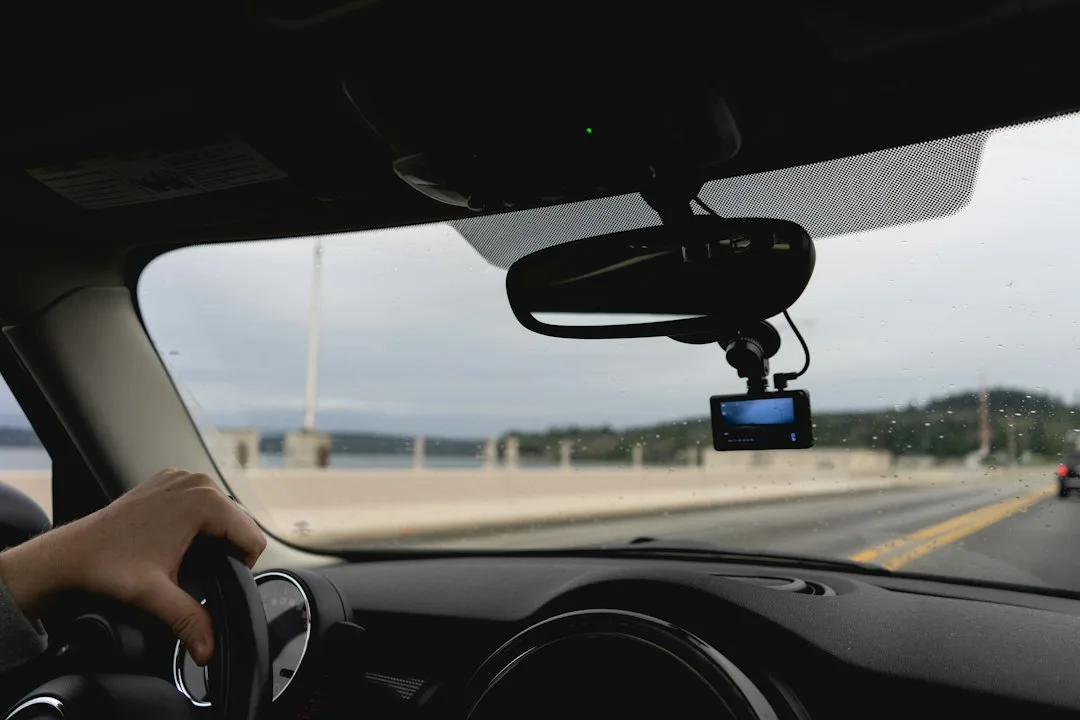
Memory is a poor witness after a collision, and adjusters know it. A forward-facing camera records the road ahead, so a sudden lane change or a red light run stays on a memory card with a timestamp. That single change shifts the conversation from who said what to what the video shows.
Dash Cameras Move From Accessory to Core Gear
Rideshare and delivery drivers adopted these units first, because their cars are their workplace and every hour off the road costs money. Their logic has spread to commuters, parents of new drivers, and anyone who parks on a busy street. Once a camera costs less than a minor body repair, it stops looking like an extra and starts looking like insurance.
Quick Tips
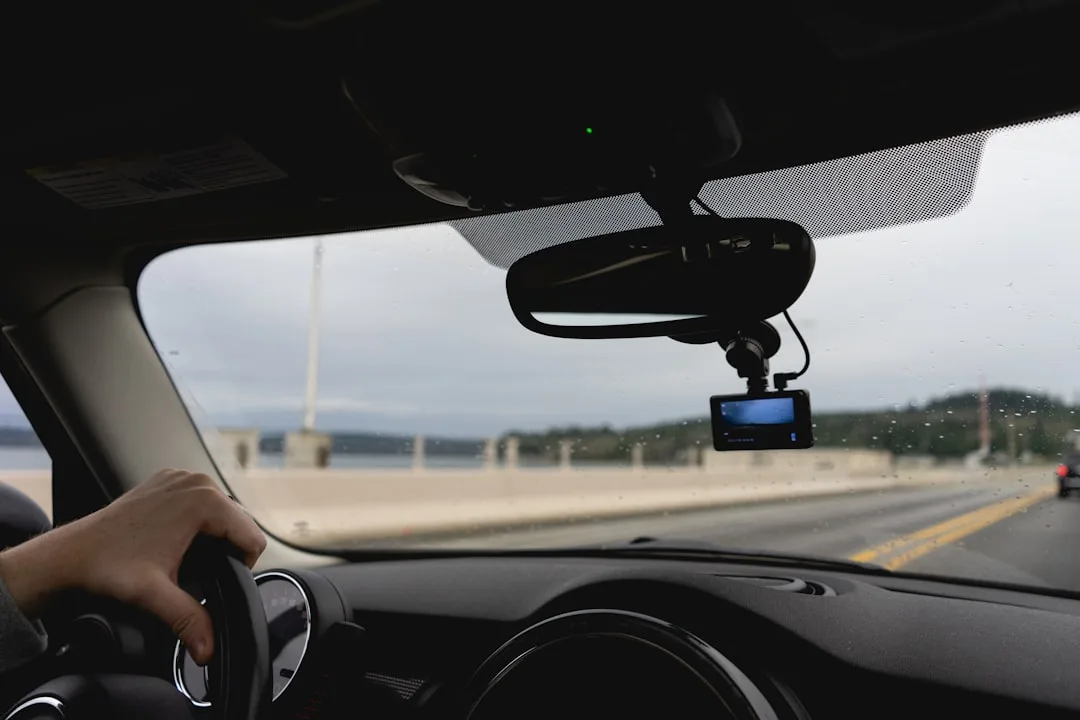
- Mount the camera high on the windshield, behind the rearview mirror, so it does not block your view.
- Choose a model that supports high-endurance memory cards if you park in hot weather.
- Turn on loop recording so the oldest clips overwrite automatically without manual deletion.
- Limit phone alerts to the ones you need, because constant notifications become background noise.
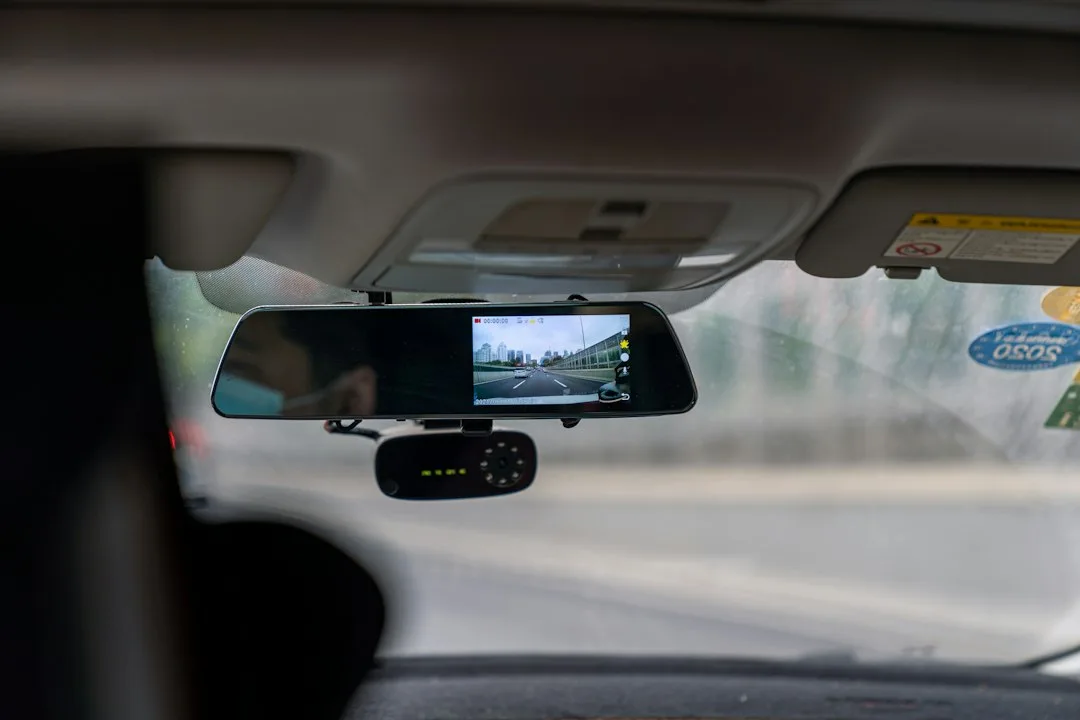
Some drivers worry the camera will distract them. Modern units use a small screen or none at all, and most owners set them to record without interaction. The camera works in the background, which is the point.
Front and Rear Coverage Changes What Footage Proves
A front-only camera captures the lane ahead, but many rear-end collisions and parking lot impacts happen behind you. A dual-channel system adds a rear-facing lens, usually connected by a long cable that runs along the headliner and down the C-pillar. That second view is often the one that settles a dispute.
Compare the two setups before you decide. The table below sums up the tradeoffs most buyers face.
| Feature | Front Only | Front and Rear |
|---|---|---|
| Coverage | Road ahead only | Road ahead and behind |
| Parking lot impacts | Partial, depends on angle | Usually captured |
| Installation | One cable run | Second cable through the rear hatch or trunk |
| Typical use | Commuting and highway driving | Rideshare, teen drivers, frequent parking |
Installation effort is the main tradeoff. A front-only unit can often be mounted in under an hour with a plastic trim tool, while a rear channel adds time to route the cable through the rear hatch or trunk seal. Plan for that if you are not comfortable working near airbag wiring and A-pillar trim.
Parking Mode Protects a Car You Are Not Driving
Parking mode keeps the camera watching while the engine is off, triggering on motion or impact. Units such as the BlackVue DR900X can run from a hardwire kit connected to the fuse box, with a low-voltage cutoff that stops the battery from draining too far. Set that voltage threshold conservatively so you can still start the car on a cold morning.
Most owners skip that setting.
Brands Worth Comparing Before You Buy
Garmin’s Dash Cam 67W has a wide-angle lens and a compact body that sits neatly behind the mirror, and it pairs with the Garmin Drive app for clip management. Nextbase’s 622GW includes built-in Alexa voice control and a 4K front recording mode, which suits drivers who want hands-off operation. Thinkware’s U1000 is a 4K front unit designed to accept a rear camera add-on, a useful path if you expect to upgrade later.
BlackVue’s DR900X line is aimed at drivers who want dual-channel recording and optional cloud features through a single system. Each brand publishes its own microSD requirements, so check the manual before buying a card. Match the camera to your driving pattern rather than chasing the highest resolution on the box.
The Memory Card Mistake That Erases Evidence
The most common mistake is buying a standard consumer microSD card and leaving it in for years. Picture a rideshare driver whose front camera records all day on a general-use card. After months of constant rewriting, the card begins to fail, and the one clip needed for a loading-zone dispute is unreadable.
Use a high-endurance card rated for continuous recording and format it in the camera every few weeks. Check the app or log for write errors. Replace the card on the manufacturer’s schedule, not when it fails.
Used Car Buyers Should Check the Camera Wiring
Many used vehicles arrive with an aftermarket camera still wired into the fuse box, sometimes with a parking mode kit tapped into the battery circuit. Look for neat splices, a fuse in line, and a clean path for the cable. Sloppy wiring is a warning sign that the prior owner did not understand the electrical system.
If you are shopping for a pre-owned car with other factory-backed protections, our breakdown of the Certified Pre-Owned Vehicle Market explains what inspection and warranty coverage usually include. Ask the seller whether the camera was removed or left in place during the inspection. Either answer tells you how carefully the car was maintained.
Privacy and Legal Limits Still Apply
Recording video from a public road is generally allowed, but audio is treated differently in many places. Some jurisdictions require consent before recording conversations, so check your local rules and consider disabling audio if you carry passengers often. Platform policies can also restrict how you share clips.
Footage matters more as cars take on more of the driving task. Driver assistance features that steer and brake raise questions about what happened in the seconds before a crash, a topic we cover in our piece on Autonomous Vehicle Adoption Reshapes How Families Plan Daily Commutes. A camera gives you a record that does not depend on anyone’s recollection. Keep clips for the length of any open claim, then delete them.
Choosing Your First Camera This Week
Start with your driving pattern. A highway commuter may be fine with a front unit and a good card, while someone who parks on crowded streets should prioritize parking mode and a rear channel. Write down the three situations you most want covered, then match the camera to those scenarios.
Buy from a retailer with a clear return policy, install it on a quiet afternoon, and record a test drive before you trust it. Check that the plate is readable at night and that the time stamp is correct. A camera that records clearly on day one is worth more than a long feature list.