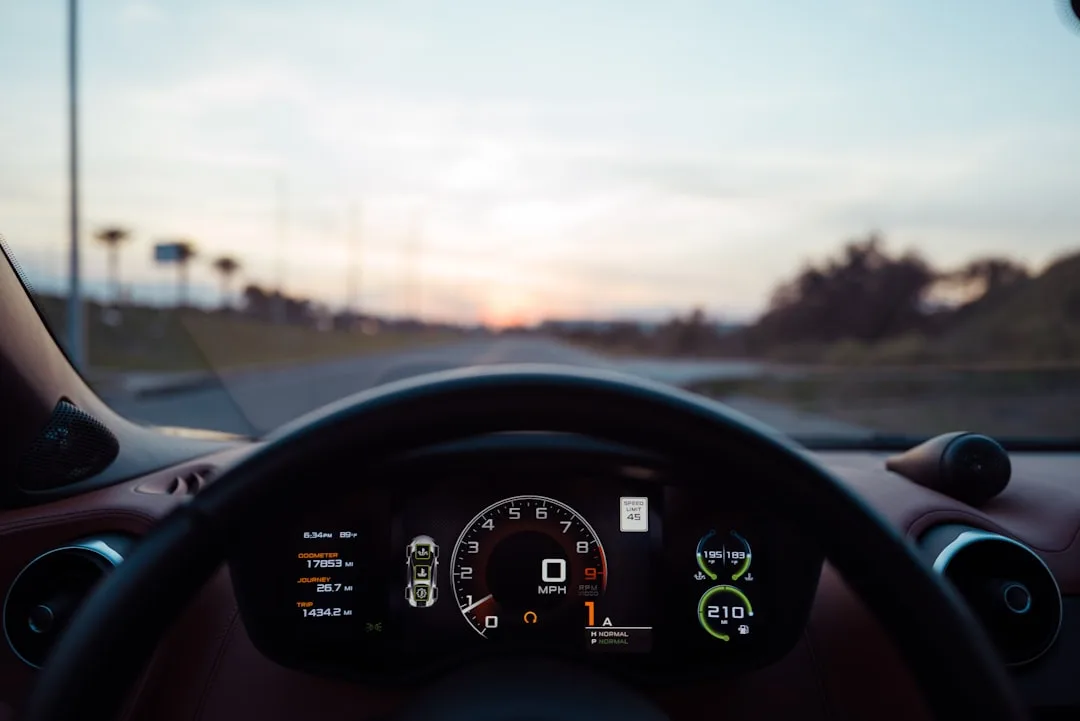

By October 2026, the infotainment dashboard has stopped being a fixed, factory-controlled environment. Vehicle infotainment customization is now the fastest-growing personalization feature in the premium automotive segment, with drivers spending an average of 4–6 hours annually configuring their cabin experience. This shift reflects a broader demand: cars should feel like an extension of your digital identity, not a separate device.
Tesla Touchscreen Architecture Becomes the Customization Gold Standard
Tesla’s completely customizable home screen—launched across the Model 3, Model Y, and Model S—set the industry precedent. Drivers can now drag widgets, reorder app shortcuts, and control which climate, navigation, and entertainment features appear at launch. This modularity changed the expectation.
Other manufacturers scrambled to catch up. BMW’s latest iDrive 8 system now allows drivers to configure three separate profile sets, each with its own widget arrangement, voice command preferences, and app order. Audi’s MMI system permits custom themes, button remapping, and voice assistant personality adjustments. The result: no two drivers’ dashboards look identical, even within the same vehicle model.
What’s driving this shift is simple: drivers spend 7–10 hours per week inside their cars. The infotainment system is no longer a bonus—it’s the primary interface between driver and machine. Customization turned that interface into a personalized space.
Quick Tips
- Create separate driver profiles so family members see only their preferred apps and settings
- Map voice commands to frequent destinations or functions—saves 15–20 seconds per interaction
- Rearrange widget order quarterly to match seasonal priorities (navigation in summer, climate in winter)
- Link your phone contacts directly to quickcall buttons to reduce distracted dialing
Voice Assistant Personalization Reshapes Driver Safety and Usability
Integration with Smartphone Ecosystems Streamlines Daily Workflows
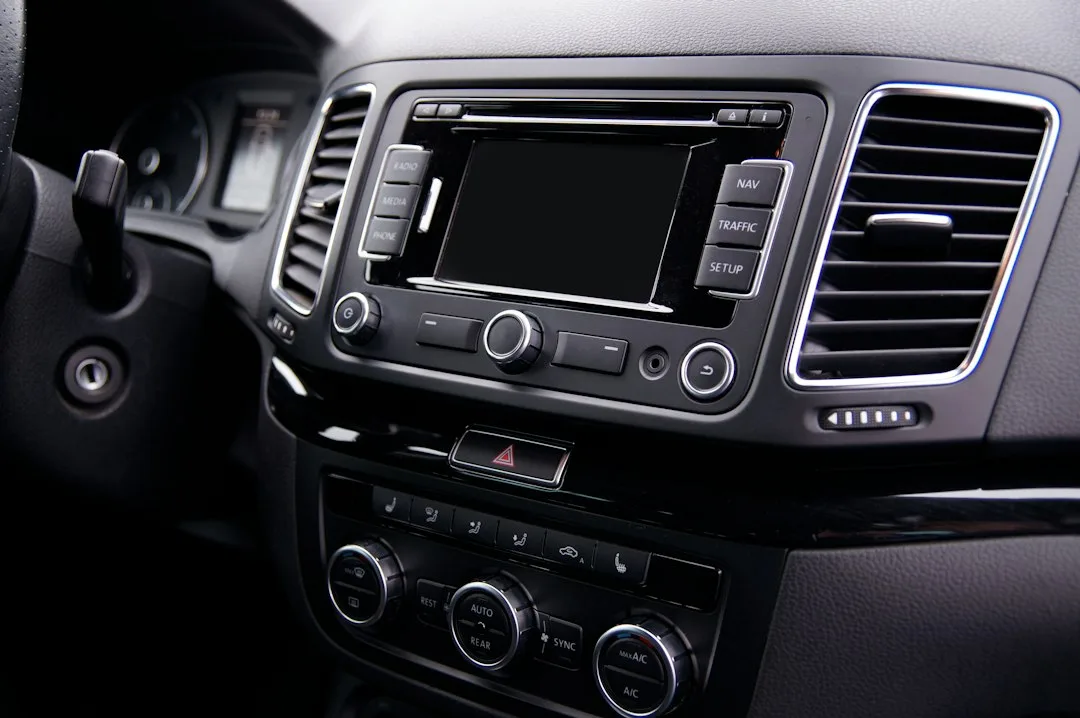
Modern infotainment systems now bridge the gap between your phone and vehicle dashboard with unprecedented seamlessness. Apple CarPlay and Android Auto have evolved beyond simple mirroring—they now sync calendar appointments, prioritize incoming notifications based on driving context, and automatically route work calls through Bluetooth while silencing entertainment apps during active navigation.
This ecosystem approach means you can start a navigation session on your phone, have it automatically transfer to your car’s larger display when you enter the vehicle, and then resume on your phone when you exit. Weather alerts, traffic warnings, and calendar conflicts feed into route planning without requiring manual input. For families managing multiple vehicles or shared cars, this continuity reduces cognitive load and minimizes distractions during transitions between transportation modes.
Over-the-Air Software Updates Extend Vehicle Lifespan and Capability
Vehicles equipped with cellular connectivity now receive feature enhancements, security patches, and performance optimizations without visiting a dealership. These updates can introduce entirely new functionality—from additional voice commands to improved climate control algorithms to enhanced parking assistance features. The process typically occurs overnight during scheduled windows, allowing drivers to wake up with a meaningfully improved driving experience.
This capability has profound implications for vehicle ownership economics. A car that received regular updates maintains competitive infotainment features throughout its ownership lifecycle, rather than becoming outdated as smartphone technology advances. For families considering why the Certified Pre-Owned Vehicle Market Dominates 2026 Auto Purchases, this update continuity means older model years retain better functionality than previous generations. Vehicles from 3–5 years ago can receive the same new features rolling out to current model year cars, improving resale value and long-term satisfaction.
Adaptive Driver Profiles Support Multi-User Vehicle Environments
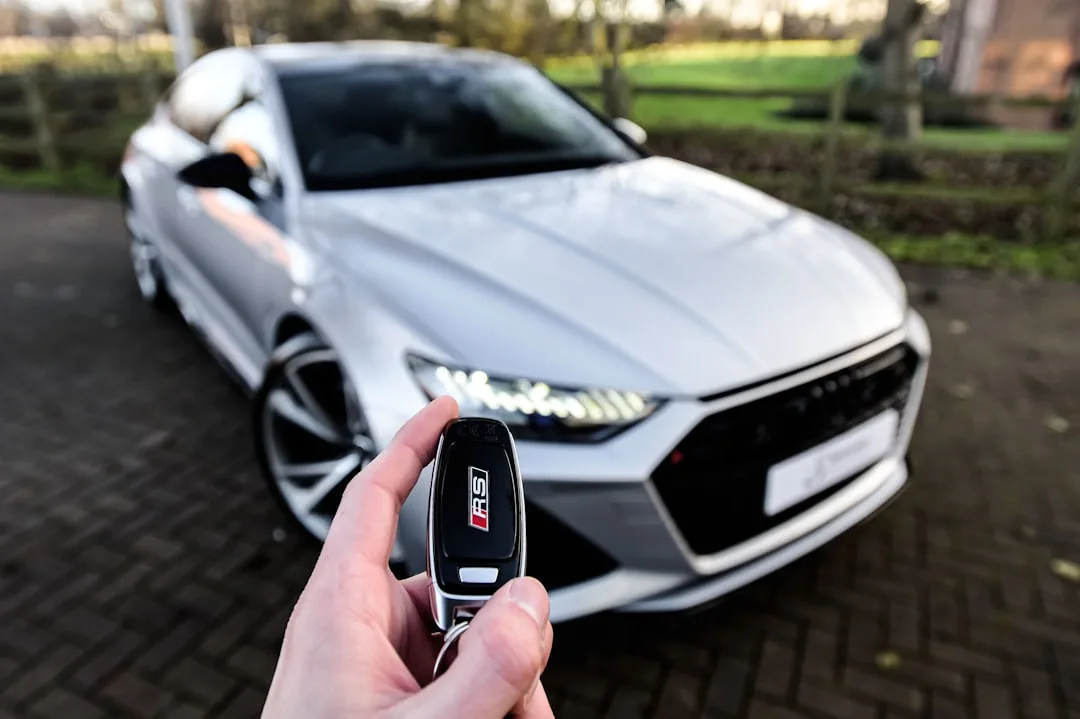
When multiple household members drive the same vehicle, adaptive profiles automatically detect which driver has entered the car and restore their personalized settings—seat position, mirror angles, climate preferences, radio stations, and navigation favorites. This recognition occurs within seconds, either through key fob identification, facial recognition, or smartphone proximity. Children and teen drivers can have restricted profiles that limit maximum audio volume, disable certain entertainment features, and prioritize safety alerts.
This technology proves especially valuable for families managing Autonomous Vehicle Adoption Reshapes How Families Plan Daily Commutes, where multiple users may interact with driving automation features at different comfort levels. A parent comfortable with Level 2 automation can enable those features in their profile, while a teenage driver has them disabled until demonstrating sufficient experience. The vehicle essentially becomes a personalized tool for each household member rather than a one-size-fits-all appliance, improving both safety outcomes and user satisfaction across different experience levels.
Integration with smartphone ecosystems expands personalization options
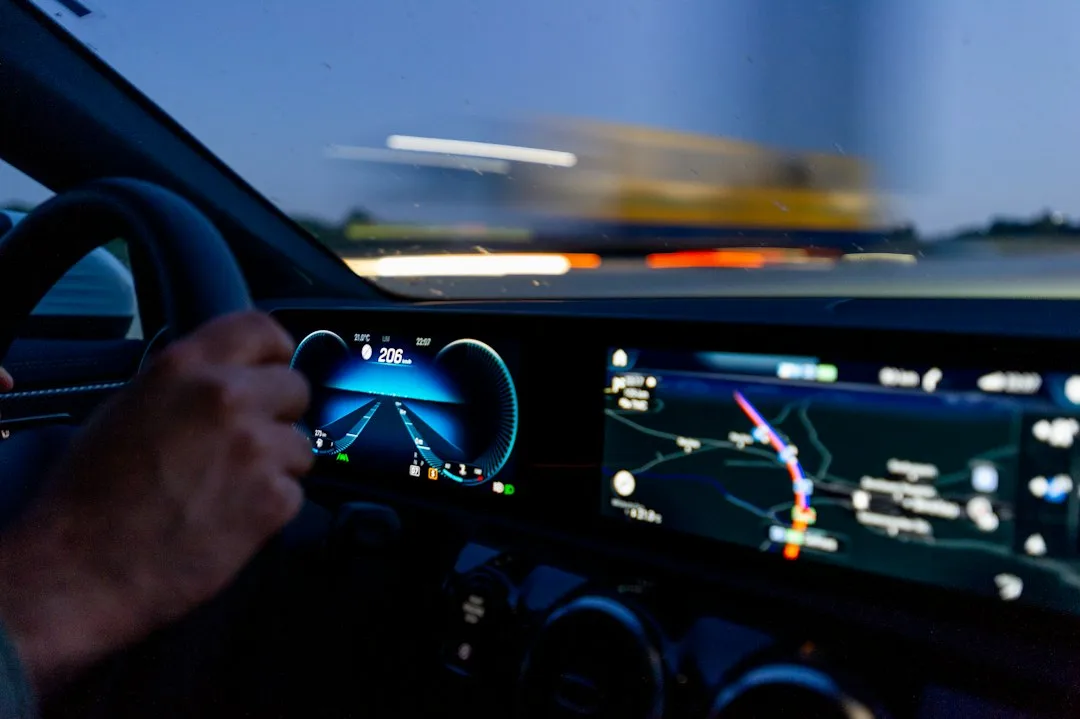
Modern vehicles now seamlessly connect with smartphone platforms like Apple CarPlay and Android Auto, allowing drivers to extend their personalized profiles beyond the car itself. When a user connects their phone to a compatible vehicle equipped with profile technology, their preferences for navigation routes, music streaming services, and communication apps automatically populate the infotainment system. This ecosystem approach means that a commuter who prefers Spotify on their morning drive and uses specific navigation habits can have these settings ready immediately upon entering the vehicle.
Tesla’s integration system demonstrates how smartphone connectivity enhances profile functionality by syncing navigation history, charging preferences for electric vehicles, and climate settings across multiple Tesla models. Similarly, BMW’s ConnectedDrive platform allows users to adjust their saved profiles through a smartphone app before even reaching the vehicle, pre-cooling or pre-heating the cabin and setting optimal seat positions for comfort. This level of integration represents a shift from treating vehicles as isolated transportation devices to viewing them as extensions of the broader digital ecosystem users navigate daily.
The practical benefit emerges during shared vehicle scenarios common in families or fleet management situations. A delivery driver can activate their commercial driver profile with specific route preferences and vehicle alerts, then hand off the vehicle to another employee whose profile emphasizes different safety warnings or communication settings. The transition takes seconds rather than minutes of manual reconfiguration, improving operational efficiency and reducing transition errors that could compromise safety.
Adaptive learning systems refine profiles over time
Advanced vehicle profiles increasingly incorporate machine learning algorithms that observe driving patterns and automatically suggest refinements to settings. These systems don’t make changes without explicit user approval but instead present patterns they’ve identified—such as noting that a driver consistently lowers seat heating when temperatures exceed sixty-five degrees, or discovers that certain music genres appear selected during highway driving versus city driving. The vehicle becomes a tool that learns from behavior rather than simply executing static preferences.
Genesis vehicles with their advanced driver profiles implement this approach by tracking which climate settings users actually adjust during specific driving scenarios and suggesting permanent modifications. Lexus Safety System+ profiles similarly observe braking patterns and suggest optimal following distance preferences based on individual driving characteristics. These learning systems operate transparently, always showing users what patterns triggered suggestions and allowing simple acceptance or rejection of any proposed changes.
The value of adaptive learning extends beyond convenience into genuine safety improvements. A driver with arthritis who gradually reduces their preferred steering force settings over several months may receive a suggestion to lower the setting further, based on the pattern that they keep making micro-adjustments in the same direction. Conversely, a teenage driver’s profile might recommend incrementally expanding their automation privileges as the system detects consistently smooth braking patterns and appropriate speed management across diverse driving conditions.
Insurance companies have begun recognizing the value these adaptive learning profiles provide for risk assessment. Rather than relying solely on demographic factors or accident history, some insurers can access anonymized data about driving consistency and whether a vehicle’s safety features remain properly configured. This shift acknowledges that detailed behavioral data, aggregated from thousands of drivers using similar vehicles, reveals meaningful patterns about driving safety that transcend traditional underwriting approaches.
The integration of adaptive learning also improves driver retention of safety features rather than the common scenario where experienced drivers disable warnings they find annoying. When a profile learns that a driver consistently accepts adaptive cruise control suggestions but often rejects forward collision warnings in specific conditions, it can fine-tune the alert sensitivity to reduce false positives while maintaining genuine safety protection. This personalized calibration keeps critical safety systems active rather than deactivated entirely.